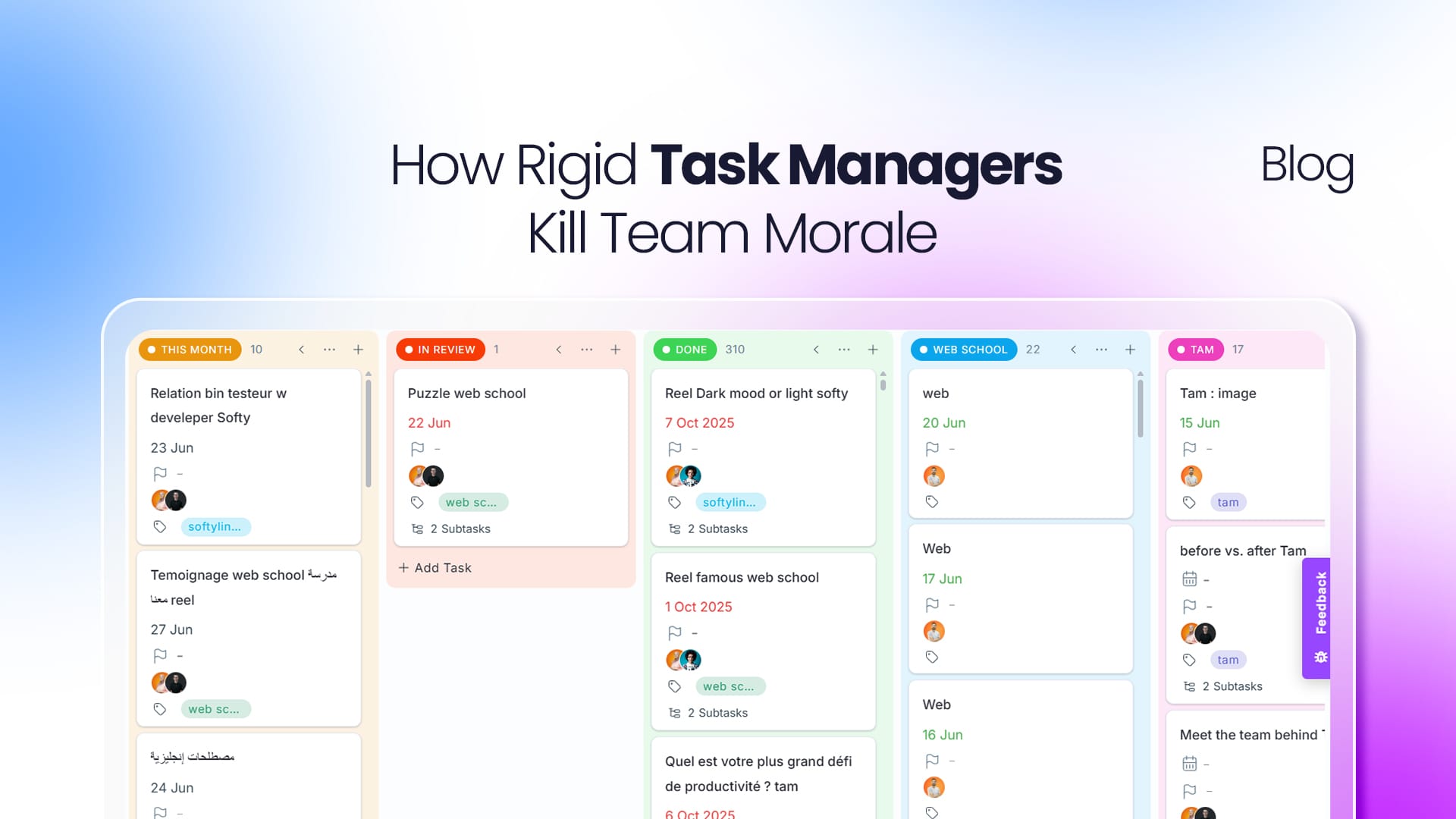
Why Rigid Task Managers Slow Teams Down and How Flexible Workspaces Fix It
Most teams adopt a task manager to get organized. But after a few months, something strange happens: developers stop updating tickets, marketing builds spreadsheets outside the platform, and managers ask for updates in chat instead of checking the dashboard.
Usually, the problem isn't the team. It's that the software forces everyone to work the same way. A developer, a designer, a marketer, and an operations manager don't think alike and when a tool treats them as if they do, frustration grows and productivity drops. Instead of helping people move faster, the tool becomes one more thing to manage.
The Hidden Cost of Rigid Workflows
Work starts feeling like data entry. When every task demands fields that aren't relevant to the person doing the work, updates become a chore. Developers want to attach pull requests, designers want to share assets, marketers want campaign details forcing them all into one template creates friction. Eventually people stop updating tasks, and visibility disappears.
Teams lose their natural workflow. Many tools offer only a few statuses To Do, In Progress, Done. But real work is rarely that simple. A design task may be waiting for client approval, a feature may be in code review, an operations request may be pending external confirmation. When everything is squeezed into the same structure, teams spend more time adapting to the tool than the tool spends helping them.
Information gets scattered. When people can't track what they actually need, they create workarounds chat messages, emails, spreadsheets, personal notes. Soon nobody knows where the latest information lives, and you're left with duplicated work and wasted time searching for answers.
What Flexible Workspaces Look Like
The best teams don't need less structure. They need structure that adapts to how they work letting each department organize information its own way while staying connected to the same project.
- Marketing might track campaign status, budget, approval stage, and content owner.
- Development might track sprint, story points, pull request links, and deployment status.
- Operations might track SLA, priority, client impact, and resolution status.
Each team sees what matters to them without affecting how anyone else works. Everyone stays aligned while keeping their own workflow.
The Three Building Blocks of a Modern Workspace
Custom fields. Every team has unique data. Whether it's a budget, a repository link, estimated hours, or an approval stage, the system should adapt to your team's language not force it into generic text boxes.
Dynamic workflows. Processes evolve as projects do. Teams should be able to create and refine workflows without rebuilding their entire workspace.
Multiple views. People consume information differently. Some prefer Kanban boards, others lists, calendars, or timelines. The same project should be viewable in any format without duplicating data.
How Tam Was Built Around Flexibility
At Tam, we believe software should adapt to people, not the other way around. That shows up across the platform:
- Organized workspaces structure work with Spaces, Folders, and Lists to separate departments while keeping visibility across the organization.
- Powerful custom fields track contract values, design assets, approval stages, repository links, or any internal metric your real process needs.
- Workflow templates build reusable templates and assign them across Spaces, Folders, and Lists for consistency where you want it and flexibility where you need it.
- Built-in collaboration announcements, comments, and mentions keep teams aligned without scattered channels.
- Global search find tasks, projects, and details fast, without digging through workspaces.
- Connected workflows integrations like Google Calendar sync keep work joined up across the tools you already use.
Build a Workspace That Fits Your Team
A task manager shouldn't force everyone into one predefined process. It should support different workflows while keeping the whole organization aligned. When teams spend less time fighting their tools, they spend more time creating, collaborating, and delivering.
That's the idea behind Tam a flexible workspace that grows with your team, adapts to your processes, and lets everyone work their way.
Ready to build a workspace that fits your workflow? Discover how Tam helps your team work with more clarity, flexibility, and confidence.